
 English
 中文简体
中文简体 Español
 English
 中文简体
中文简体 Español
It happens without warning. You fill the basket, slide it home, and tap the power icon on your air fryer's touch panel. Nothing happens. You tap again, hold it longer, and still nothing. Before you assume the appliance is dead, understand this: the vast majority of unresponsive touch screens can be traced to a short list of causes that you can check yourself in about fifteen minutes. In most cases the fix is cleaning, a full power reset, or a simple mechanical adjustment. Replacing the fryer should be your last resort, not your first reaction.
Why Air Fryer Touch Screens Become Unresponsive
Air fryer touch panels are capacitive or resistive sensors bonded to a control board. Capacitive panels detect the electrical charge of your finger through the glass, while resistive panels respond to pressure. Everyday conditions interrupt that signal far more often than a true hardware failure. The usual suspects include:
- Grease and residue on the touch surface
- Condensation trapped under the bezel
- A drawer or door that has not engaged its safety switch
- An overheating lockout triggered by blocked vents
- A hairline crack in the glass or sensor layer
- A faulty control board
The table below maps these causes to their typical symptoms and the difficulty of the fix.
| Cause | Typical Symptom | Fix Difficulty |
|---|---|---|
| Dirty touch panel | Dead spots or no response at all | Easy |
| Drawer or door not fully closed | Panel dead while the basket is open | Easy |
| Moisture under the panel | Ghost touches or a completely unresponsive screen | Easy to moderate |
| Overheating lockout | No response after a long, high-heat cooking cycle | Moderate |
| Hairline crack in the glass | Visible damage with partial or no function | Panel or unit replacement |
| Control board failure | No response after all resets and checks | Professional repair |
Start With These Simple Fixes
Work through the steps below in order. They cost nothing and resolve a large share of reported touch screen problems.
Clean the Touch Panel Properly
Cooking grease is the number one reason a touch screen stops responding. A thin, almost invisible film of oil builds up on the glass after regular use and keeps the sensor from reading your finger. Dampen a microfiber cloth with warm water or a mild kitchen degreaser, wipe the entire panel, and dry it immediately with a clean cloth. Do not spray liquid directly onto the control surface; liquid can run under the bezel and create a worse problem. Keep your hands clean and dry as well. If your fingers are oily from food preparation, the panel may ignore your touch.
Perform a Full Power Reset
A control board can get stuck in an abnormal state after a power surge or a quick unplug-and-replug cycle. Unplug the air fryer completely and wait five to ten minutes. The wait is important because it gives the internal capacitors time to discharge. Plug the unit back in, wait for the display to settle, and test the controls again. A full reset clears many software-level glitches with no cost and no risk.
Confirm the Drawer or Door Is Fully Seated
Most air fryers use a safety interlock that cuts power to the heating element and often to the control panel when the drawer or door is not completely closed. If the panel is completely dead, push the drawer in until it clicks, or close the front door firmly. Food debris inside the switch housing can also jam the interlock, so check the small switch that the drawer presses against at the back of the unit. If the switch has moved out of position, reseat it gently.
Remove Moisture Under the Panel
Condensation can form inside the control area when the appliance is stored near steam or cleaned with a wet cloth. The panel may respond intermittently or not respond at all while moisture is present. Leave the fryer unplugged in a dry, warm place for several hours. Do not use a hair dryer on the panel; concentrated heat can damage the display layer. Patience works here.
Go Deeper When the Simple Fixes Fail
If cleaning, resetting, and checking the interlocks have not restored the panel, the issue is likely hardware-related. These four checks will narrow down the source.
Check for an Overheating Lockout
Some units disable the control panel when the internal temperature climbs too high, which tends to happen after long cooking sessions or when the air vents are blocked. Let the fryer cool completely, unplugged, for at least thirty minutes, then test it again. If the panel comes back, inspect the vents and the heating chamber for grease buildup that could have triggered the lockout in the first place.
Inspect the Touch Panel for Hairline Cracks
A drop or hard impact can produce a thin crack in the glass that breaks the sensor layer while the display still looks normal at a glance. Run your finger across the whole surface and angle the unit toward a bright light to look for damage. If you find a crack, the touch panel needs to be replaced. The crack will not make the unit unsafe by itself, but it will spread over time and make the panel increasingly unreliable.
Use Physical Controls as a Diagnostic Clue
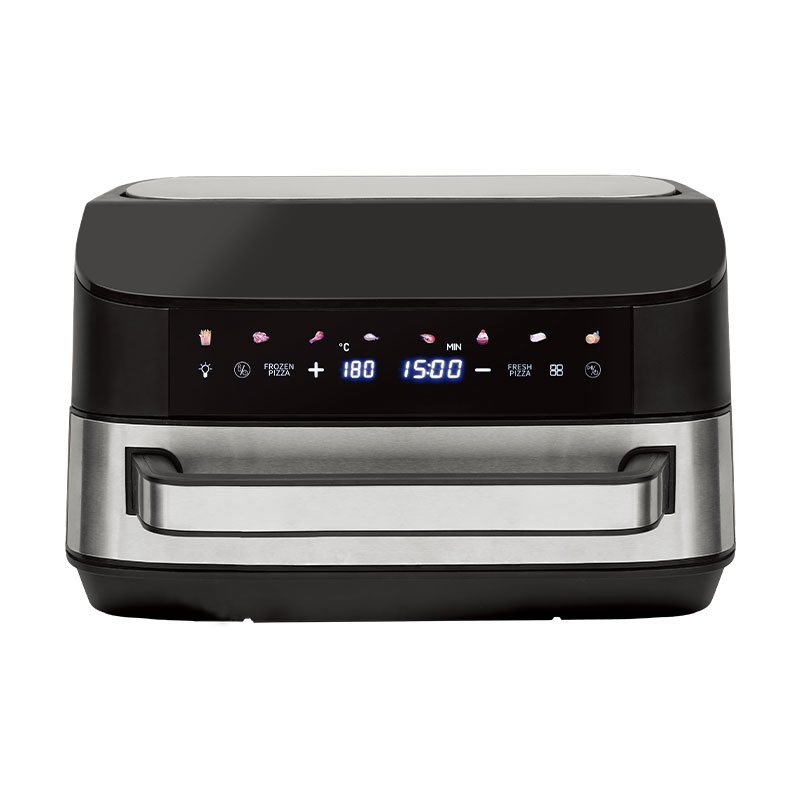
If your air fryer has physical knobs or buttons in addition to the touch screen, test those first. When the knobs work but the touch screen does not, the problem is isolated to the panel or its connection. When the whole control section is dead, the fault is more likely in the main control board or the power supply. That distinction tells you whether a control board swap might solve the problem. Some hybrid designs, such as the single-knob touch-screen air fryer with LCD display, include a physical knob on purpose, so an unresponsive screen does not block you from finishing a meal.
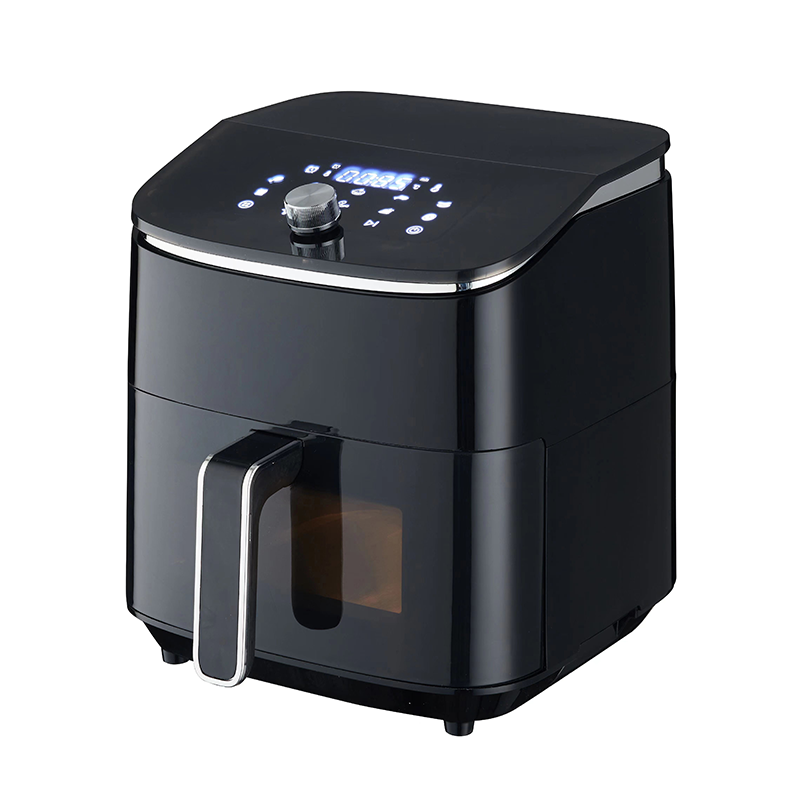 Custom Bevel single knob touch screen control knob adjustment LCD display visualCIXI GSTAR ELECTRIC APPLIANCE CO., LTD. is China Custom Bevel single knob touch screen control knob adjustment LCD display visual large c...View Product →
Determine Whether the Control Board Has Failed
Control board failure is less common but real. The signs are consistent: the panel stays unresponsive after every reset, the unit reacts to touches in the wrong areas, or the display cycles through segments on its own. A failing board can also energize the heating element when you touch a different part of the panel, which is a clear signal to stop using the unit. If you reach this point, order a replacement board from the brand or take the fryer to a small-appliance repair shop. You can also work through the common troubleshooting steps for appliance issues before spending money on parts.
When to Replace Instead of Repair
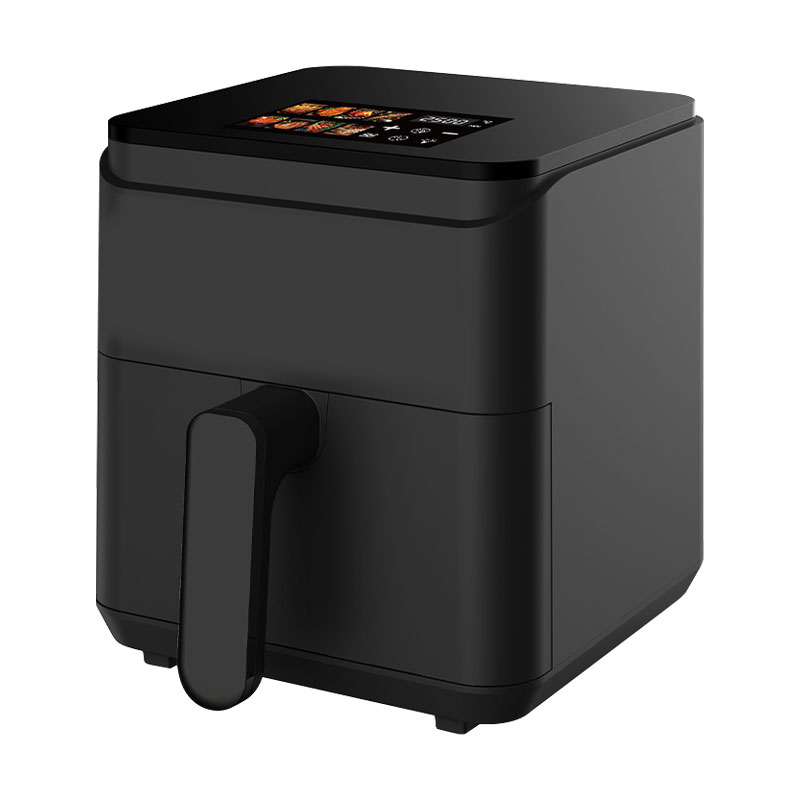
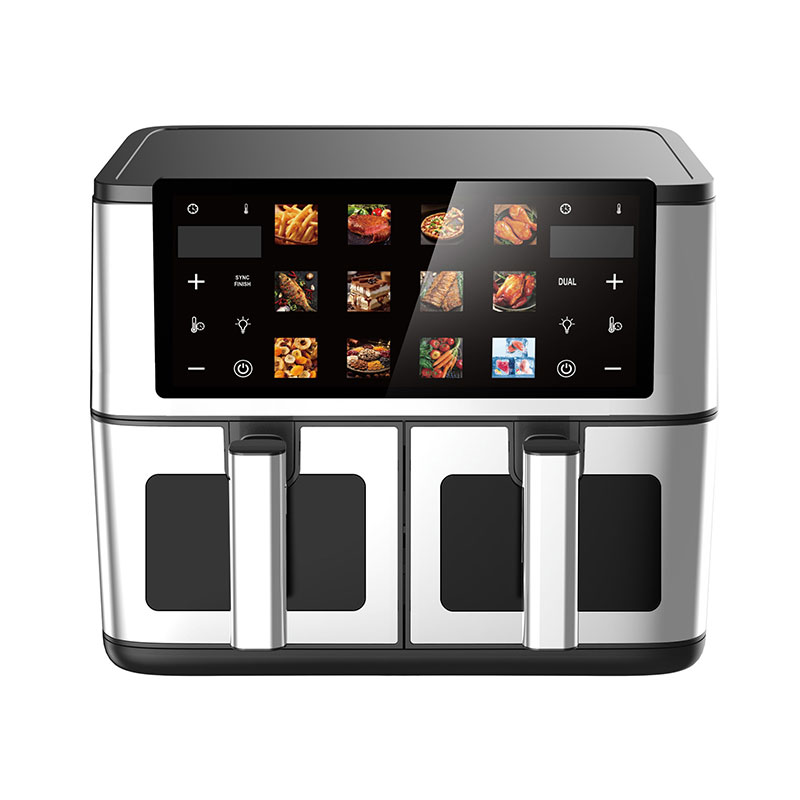
Once a board failure is confirmed, the repair-versus-replacement decision comes down to age and cost. An air fryer that has given you three to five years of service is usually not worth a board-level repair, and if the service estimate exceeds half the price of a comparable new unit, replacement is the smarter financial call. It is also worth checking whether your model has been recalled or has a known design fault before you invest in parts or labor. If you do decide to replace the unit, the control interface deserves more thought than most buyers give it. Touch panels are the component that takes the most daily wear, and smart touch-screen air fryer models on the market vary widely in build quality.
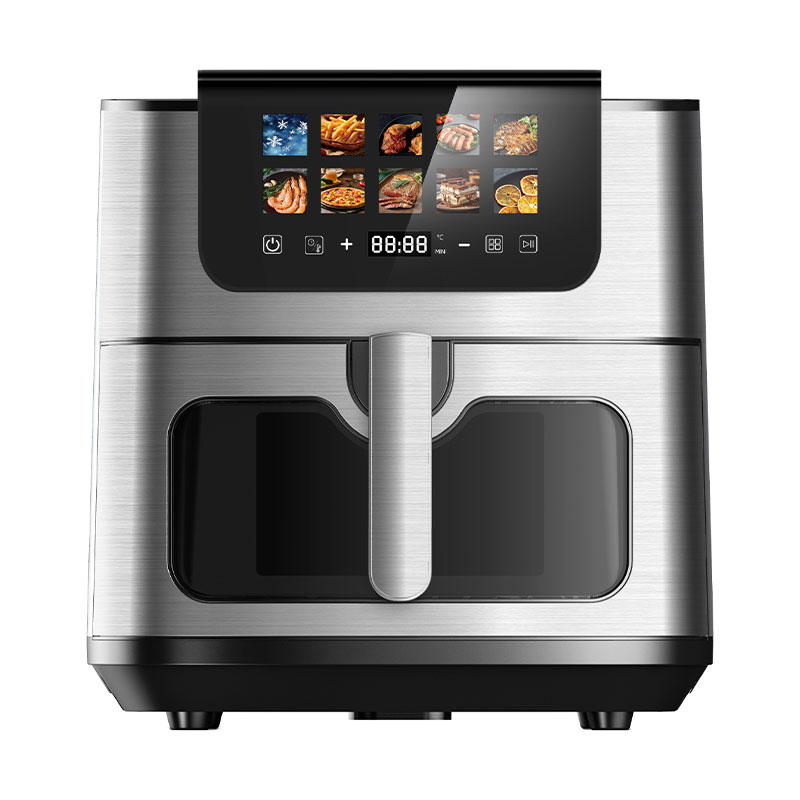
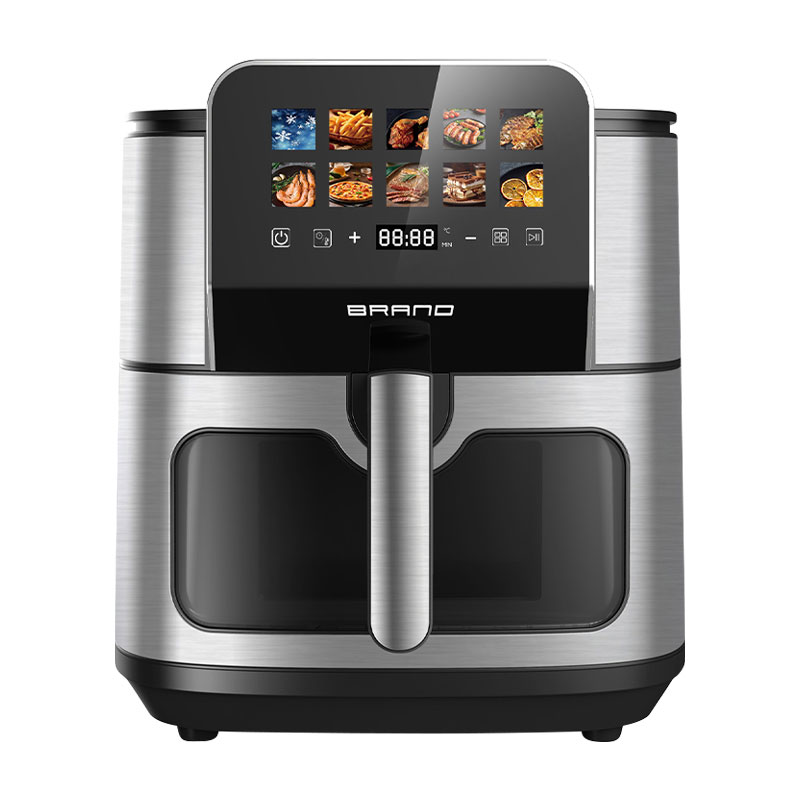
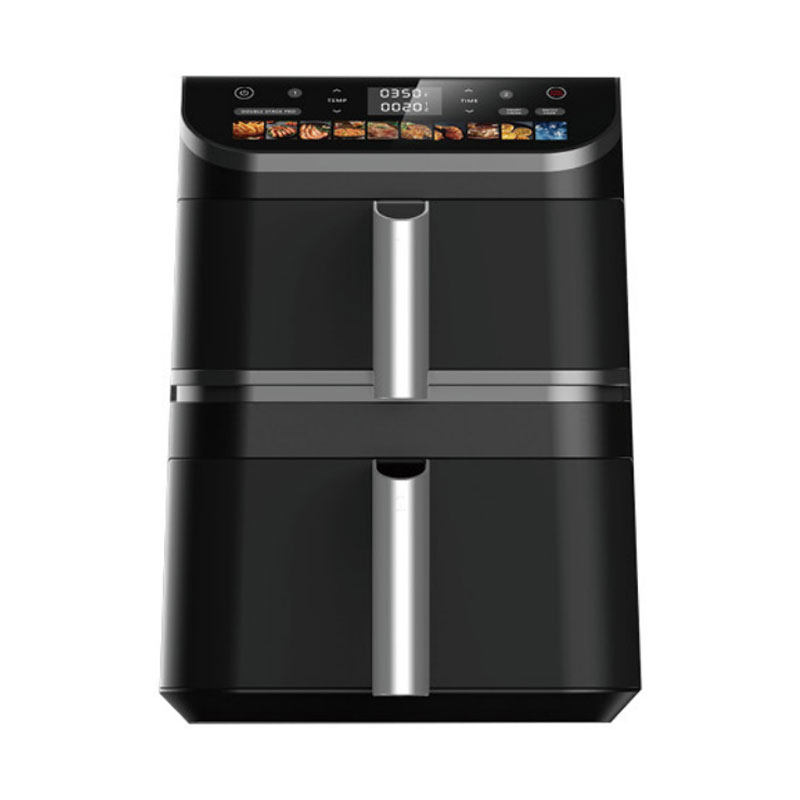
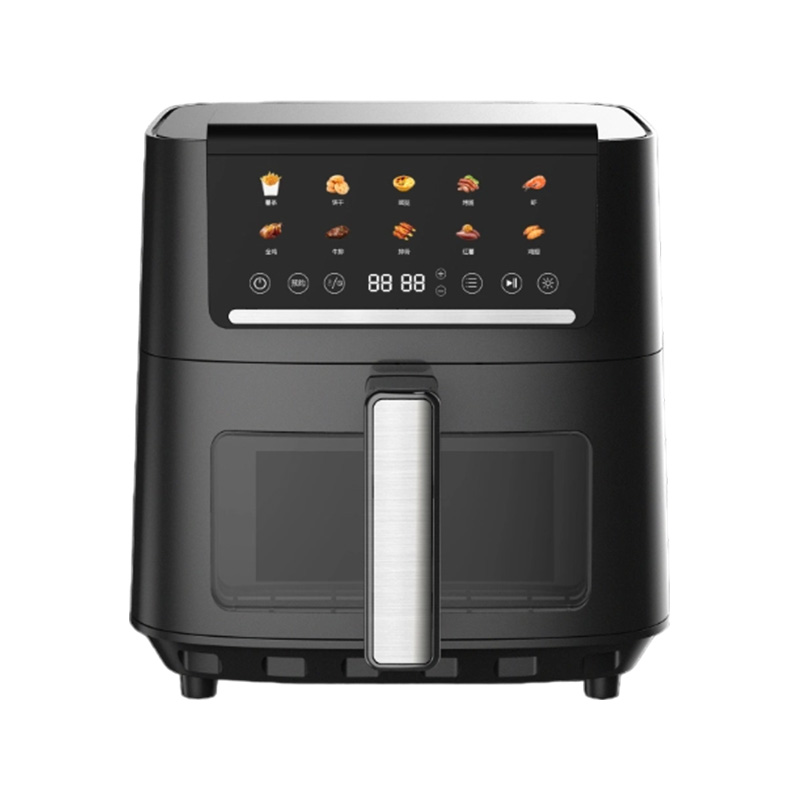
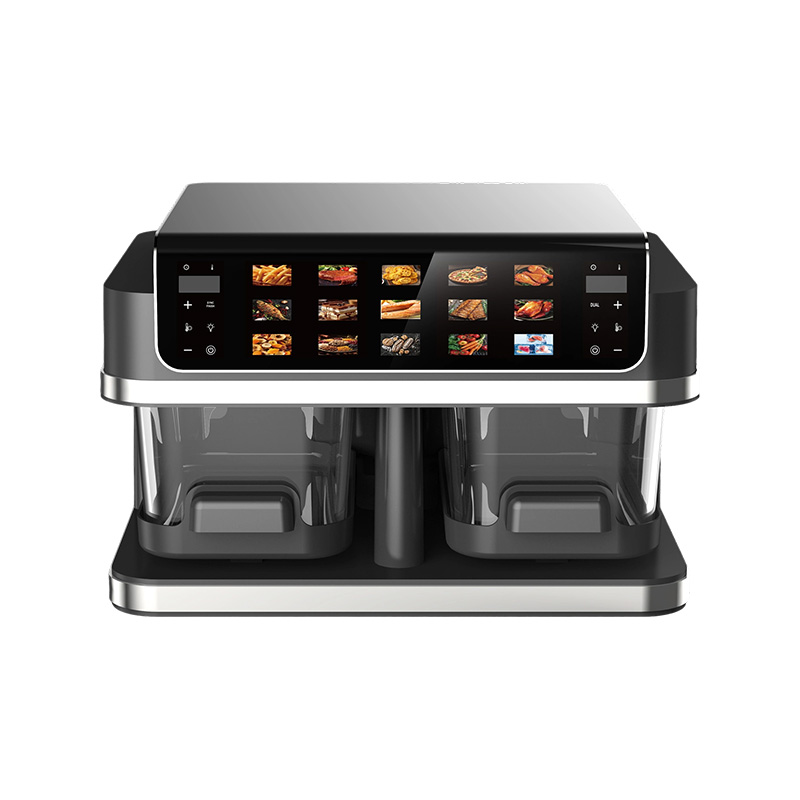
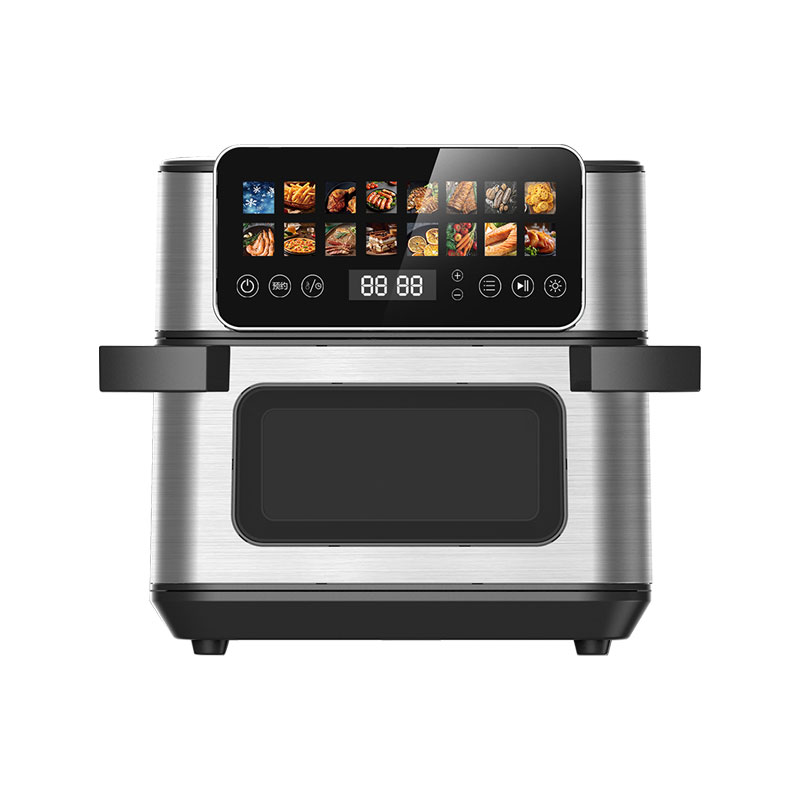
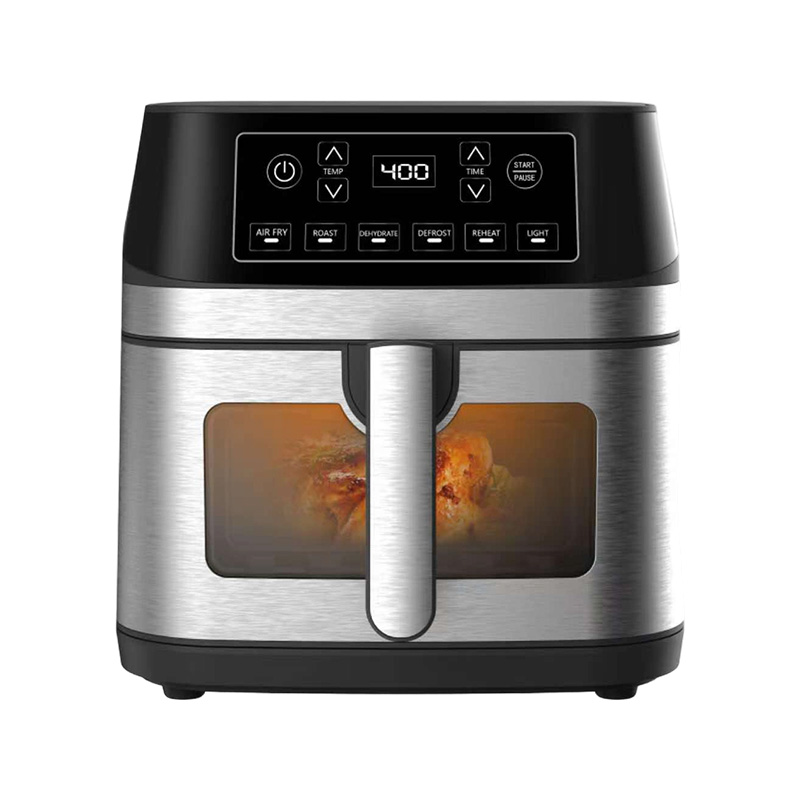
Think about how you actually cook before you pick a layout. If you want the simplest possible control path and the fewest parts that can break, a mechanical control air fryer with a simple dial is the most robust option because there is no touch sensor to fail. If the household needs a larger cooking volume and a clear display, a large-capacity LCD touch air fryer delivers both without a cluttered control surface. The right choice depends on whether you value preset convenience or long-term simplicity.
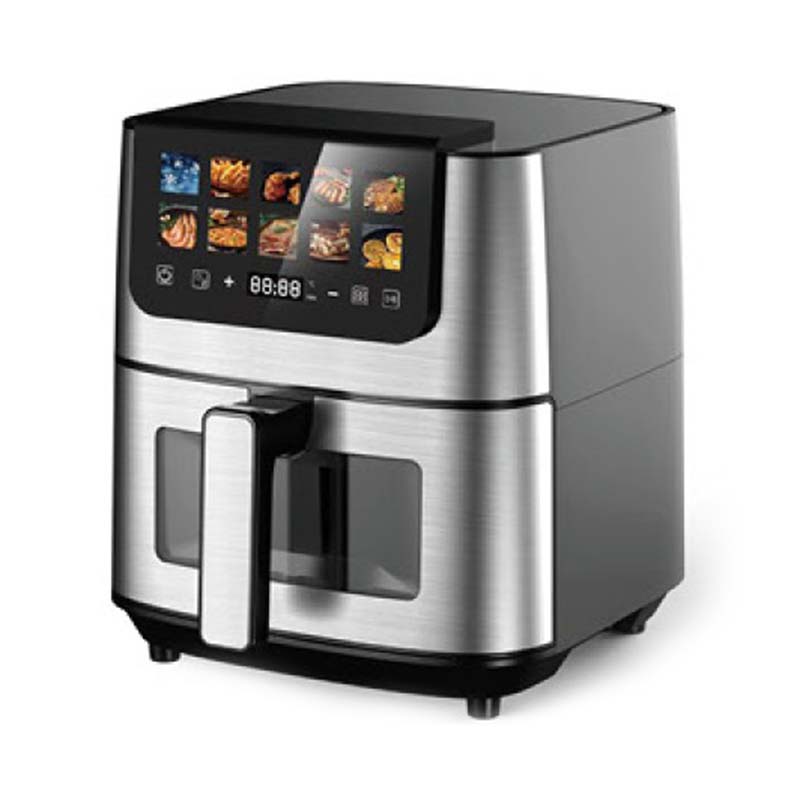 Custom Top LCD touch control large capacity invisible comfortable handle air fryCIXI GSTAR ELECTRIC APPLIANCE CO., LTD. is China Custom Top LCD touch control large capacity invisible comfortable handle air fryer Suppl...View Product →
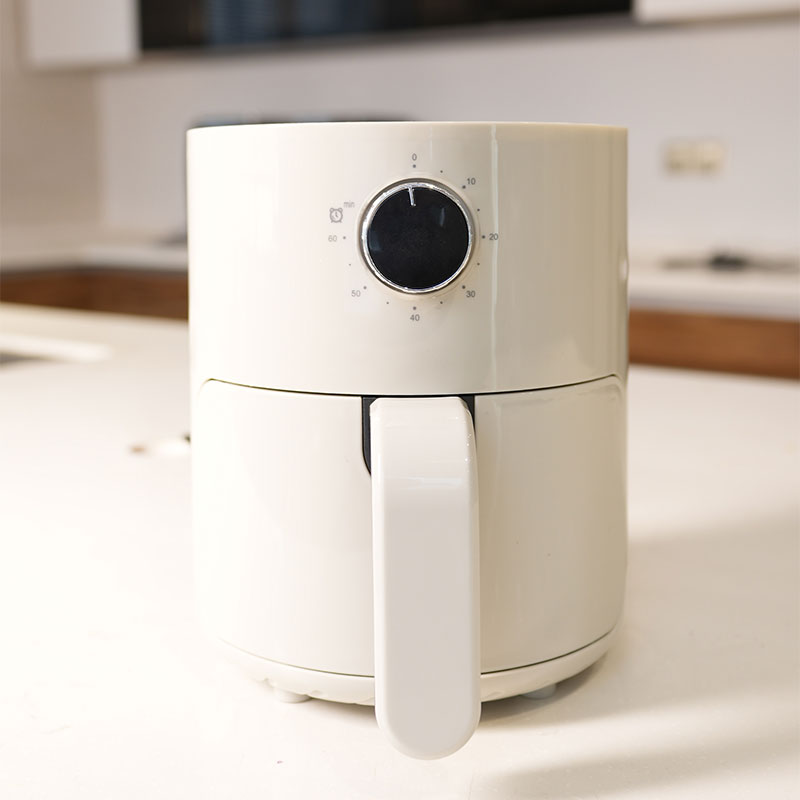 Custom GSE029 Air Fryer (Mechanical) Suppliers, Company - CIXI GSTAR ELECTRIC APCIXI GSTAR ELECTRIC APPLIANCE CO., LTD. is China Custom GSE029 Air Fryer (Mechanical) Suppliers and Company,View Product →
Keep Your Touch Screen Responsive Longer
Prevention is mostly a matter of small habits. Wipe the control panel with a dry or slightly damp microfiber cloth after each cooking session while the unit is off. Never spray cleaner directly onto the panel. Keep the fryer away from sinks, kettles, and other sources of steam. Let the appliance cool completely before wiping it down. Open and close the drawer gently so repeated impact does not loosen the sensor connection. Place the fryer on a stable, flat surface so the panel never takes the brunt of a knock. And keep the air vents clear so overheating lockouts do not repeatedly stress the electronics.
None of these steps will make a defective panel last forever, but they will prevent most avoidable touch screen failures. If you buy a new unit, adopt the same habits from the first day.
The takeaway is reassuring: an unresponsive air fryer touch screen is rarely fatal. Clean the panel, perform a full power reset, confirm the drawer and door interlocks, check for physical damage, and verify whether the control board is involved. Work through that order calmly, consult your model's manual for specific details, and only consider a new unit when the evidence clearly points to genuine hardware failure. When you do make that jump, choose a control layout that matches how you actually cook, and you will not be searching for this fix again anytime soon.